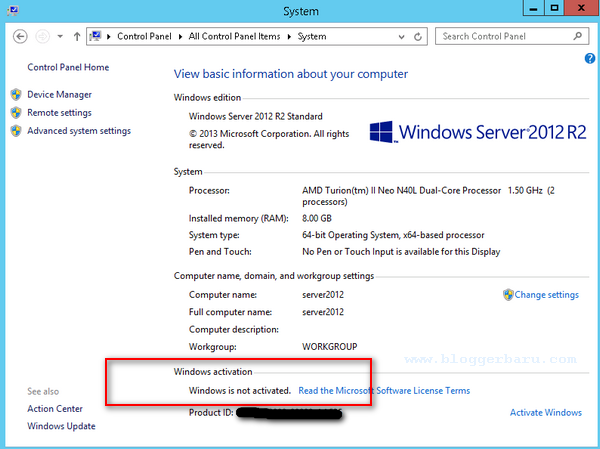
As the system administrator, it may be necessary for you to check the licensing status of a server after it has been configured. The following steps will describe the steps to check windows server 2012 activation status.
Method 1 :
1. From the Start menu :

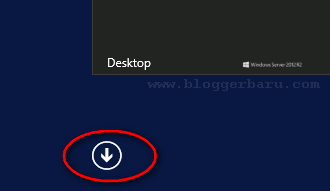
2. Select “Arrow down” button :
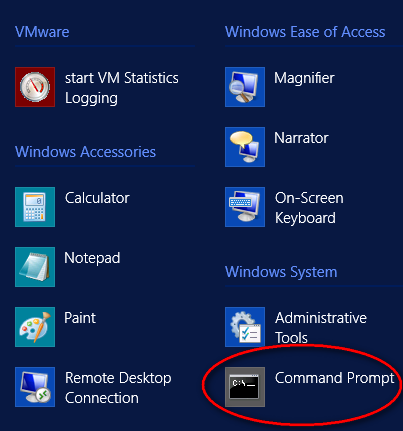
3. Click “Command Prompt” :
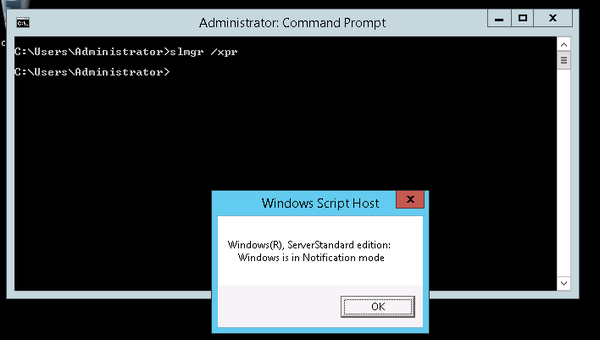
4. Now enter the following command in the command prompt :
Method 2 :
1. From the Start menu :
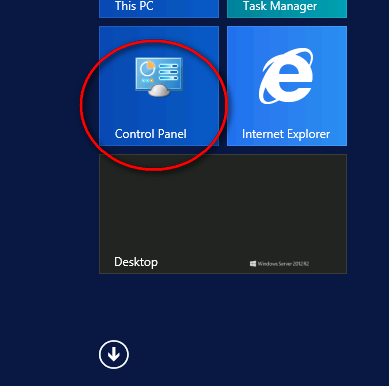
2. Select “Control Panel” :
3. Click “System” :
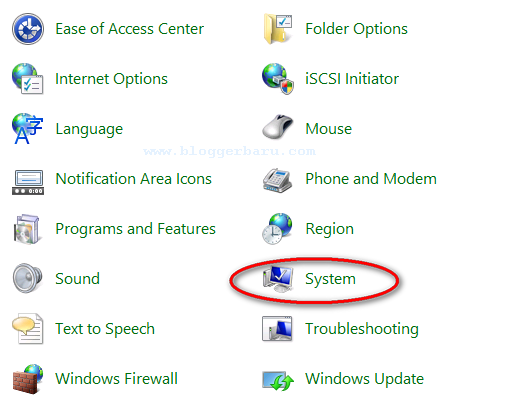
4. The Windows Activation Status will display at the bottom of the page :